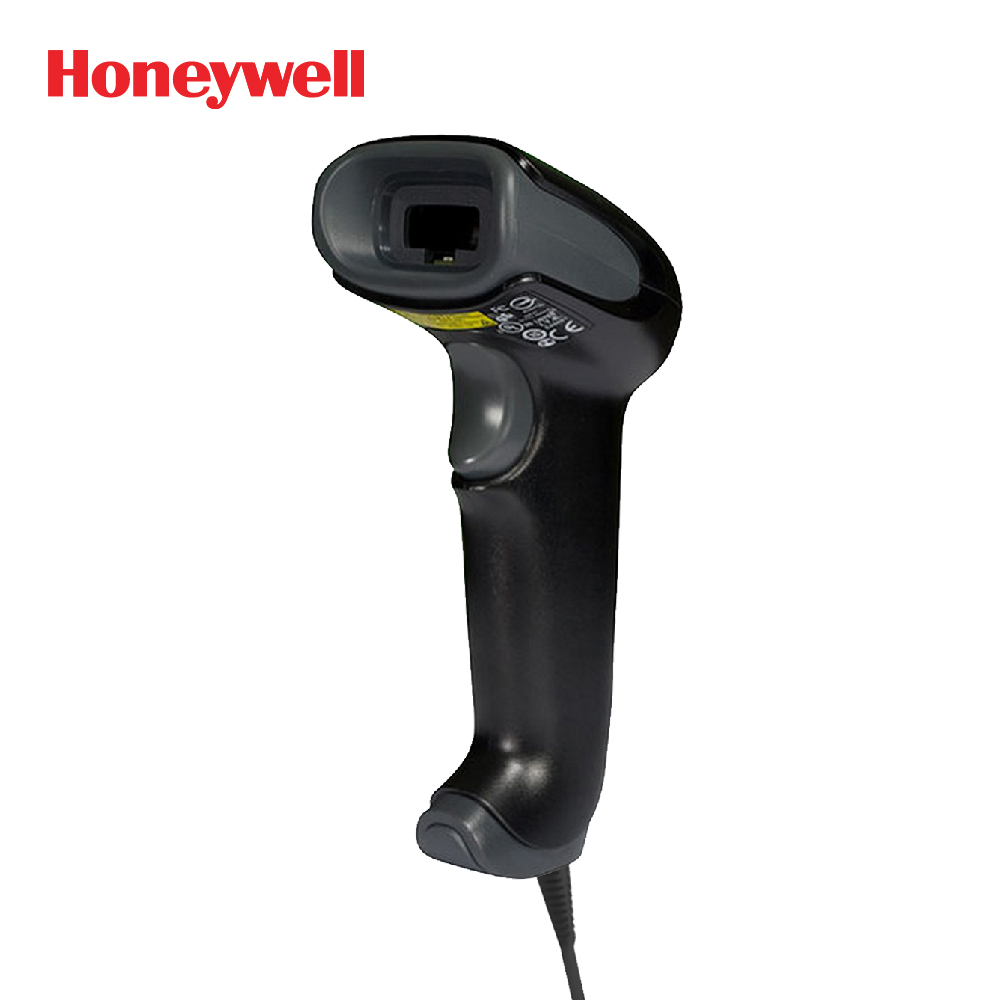
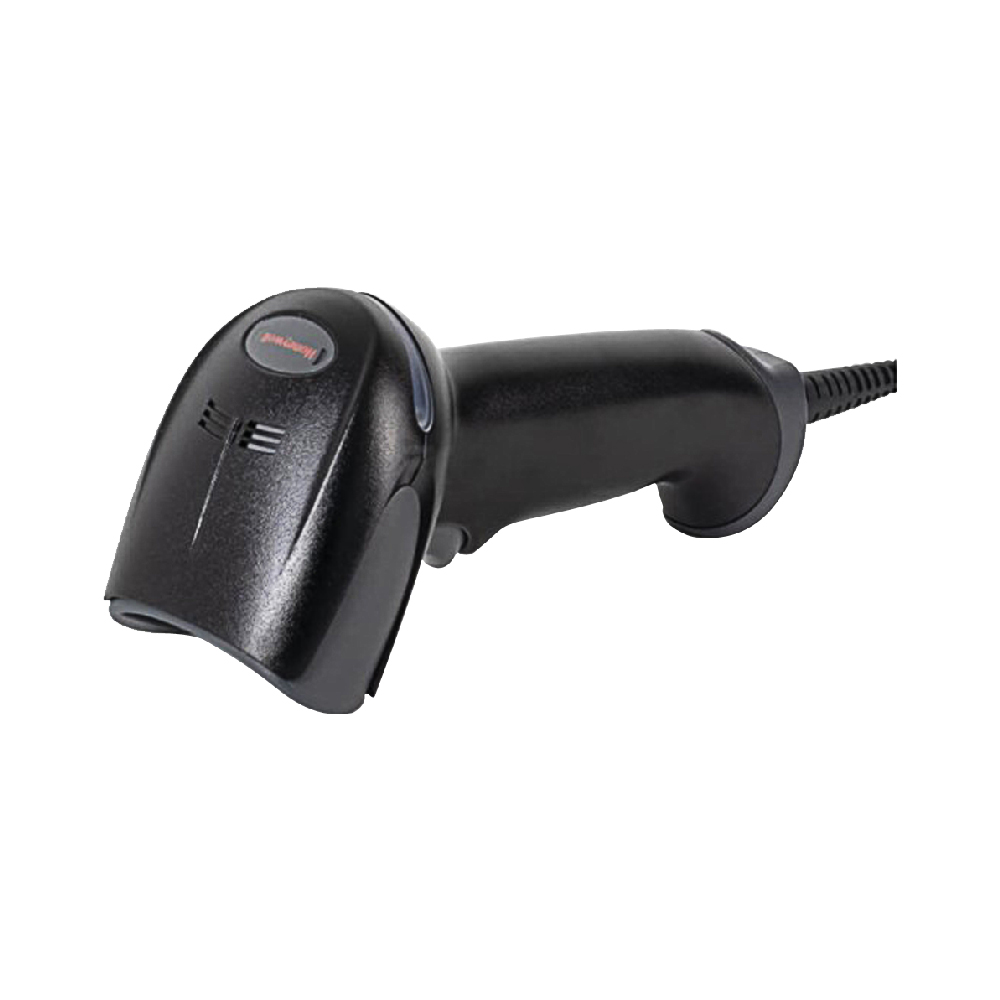
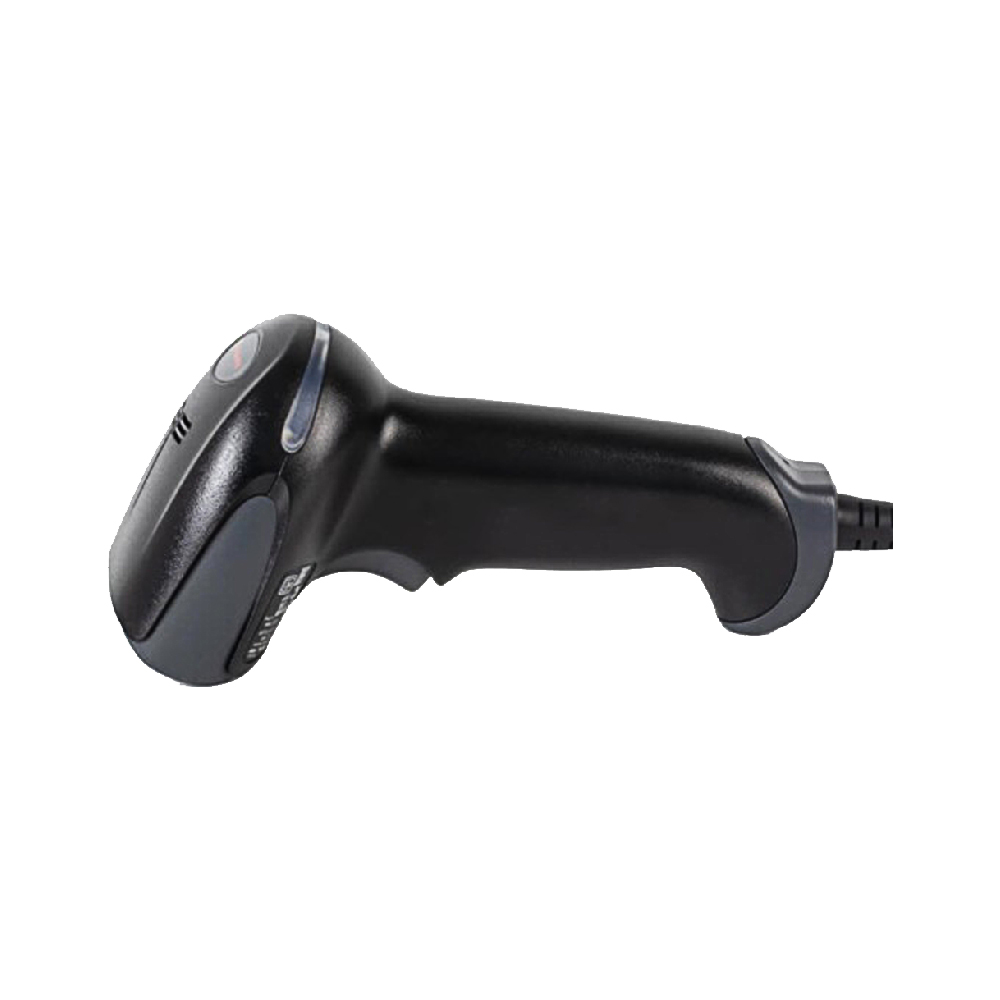
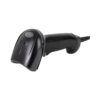
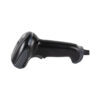
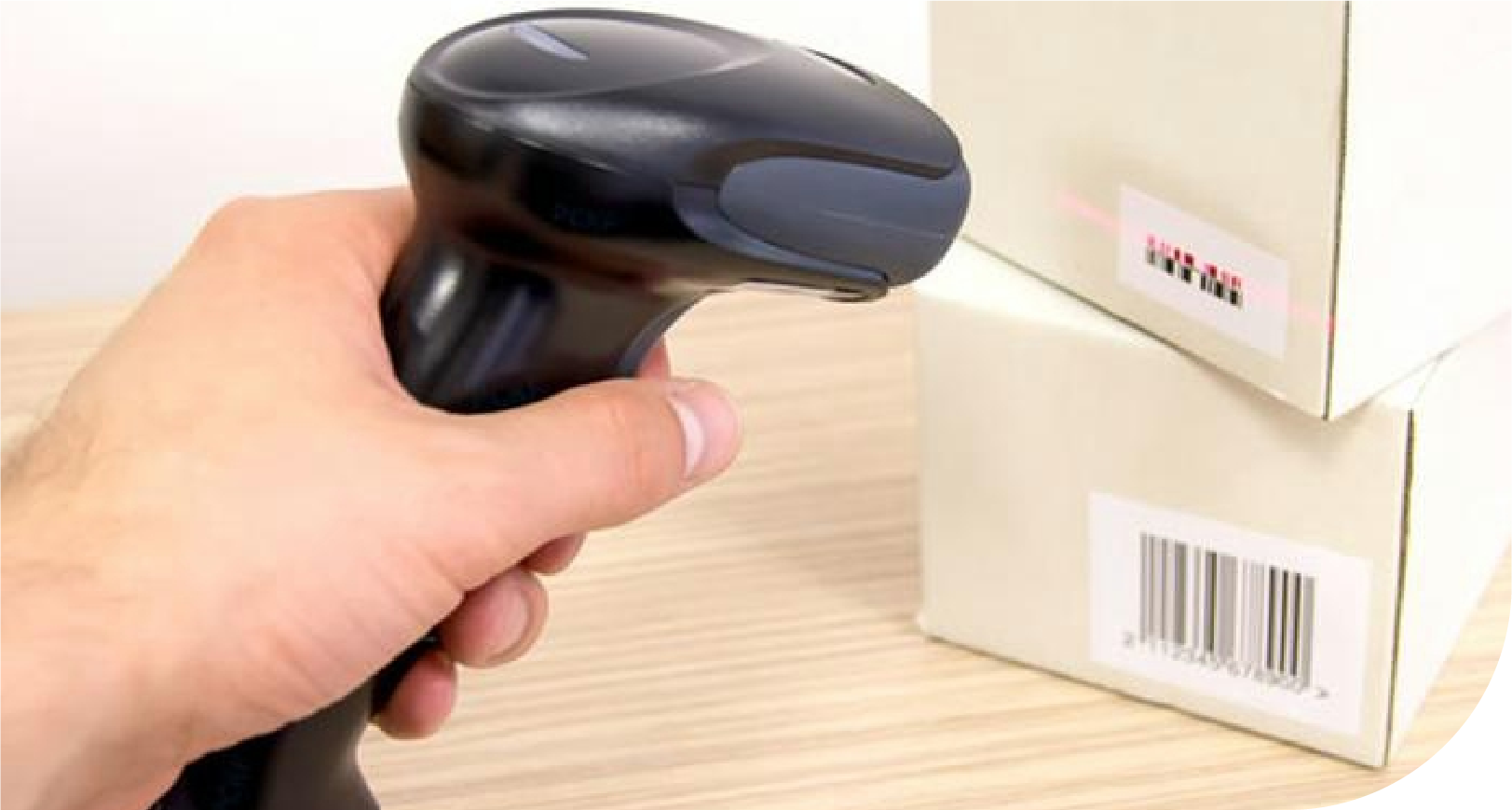
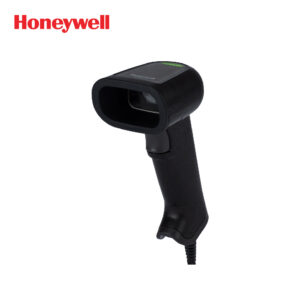
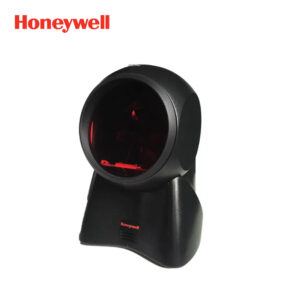
How great would it be if you could extend your scanning range with the Voyager™ 1250g single-line laser scanner, which can read straight-line barcodes up to 58.4 cm (23 in.) for a more comfortable and efficient work environment? Plus, the scanner can be quickly switched to hands-free scanning mode with the included cradle.
**Automatic Interface Detection: Supports all popular interfaces in one device, eliminating the need to scan barcodes for program setup, eliminating time-consuming steps by automatically detecting and configuring interfaces.
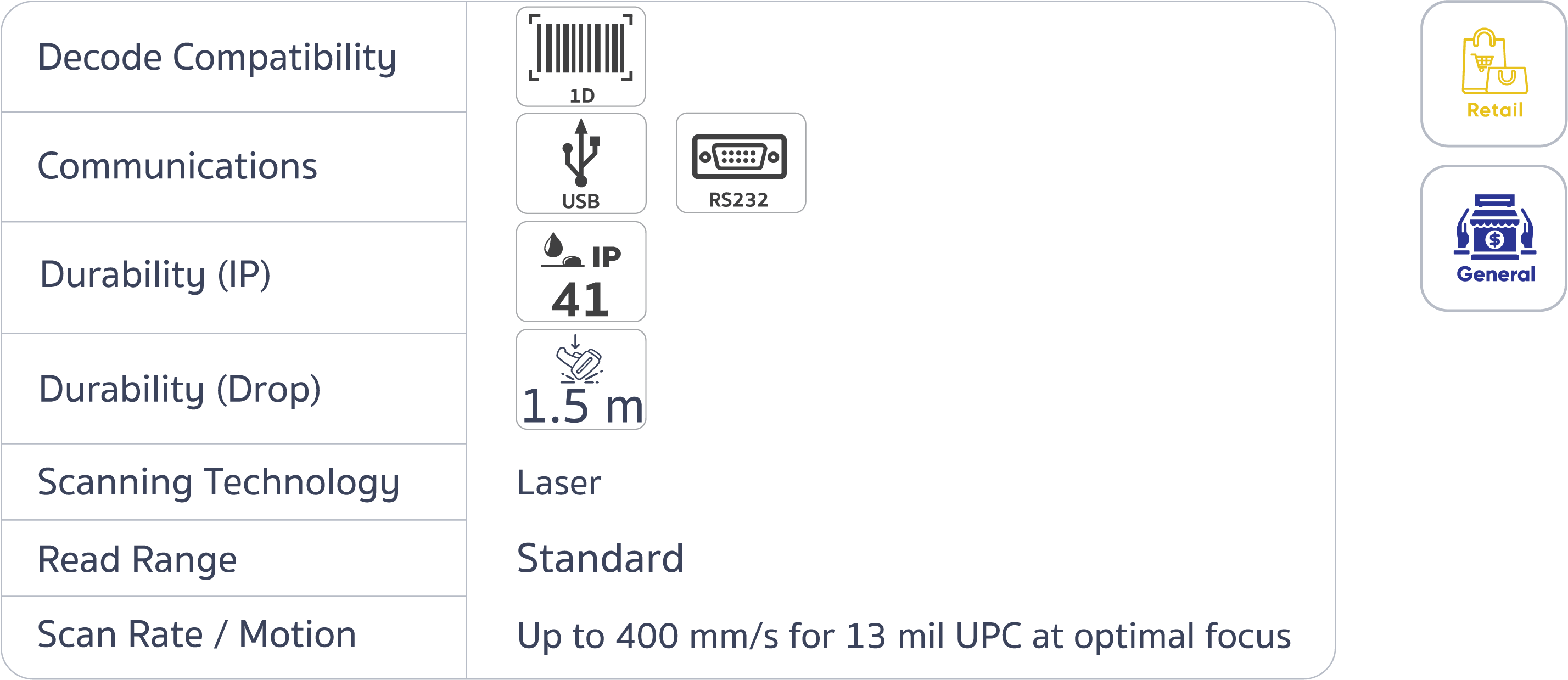
**Extended Depth of Field: Easily scan hard-to-reach items, and scan 13 mm barcodes up to 17.6 in. (447 mm) away.
**Remote MasterMind™ Support: Reduce overall costs with integrated remote device management, easily tracking usage of installed devices.
**Ergonomic Design: Comfortable grip, reducing fatigue for frequent users.
**Superior User Experience Out of the Box: Easy setup with quick and easy cradle assembly, automatic detection and configuration when placed in the cradle. Improves work efficiency with accurate object detection
**CodeGate® Technology: Allows users to select the barcode to be scanned before sending the data, making it ideal for use in menu scanning applications.
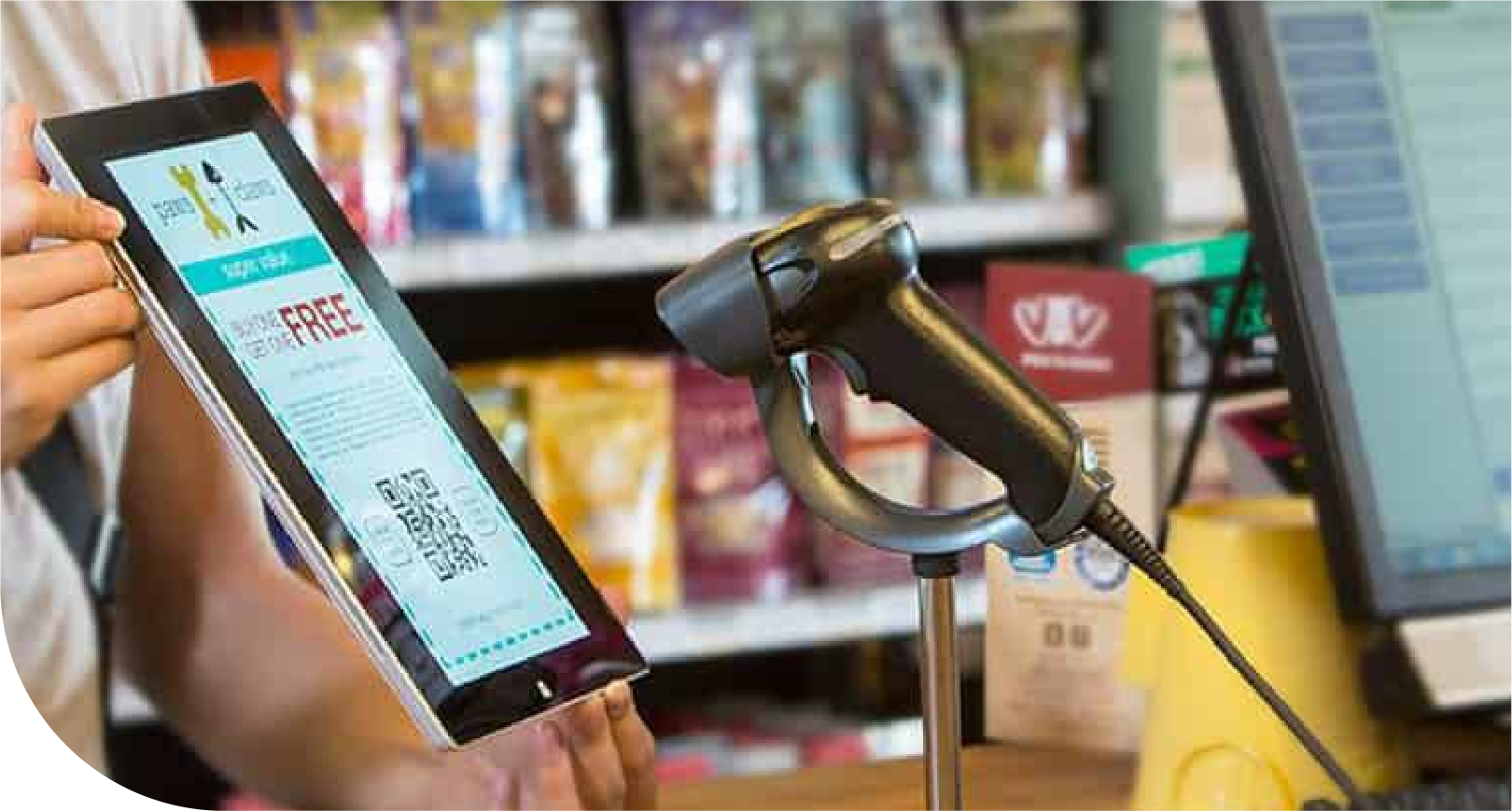
The Voyager 1250g single line laser scanner combines the proven performance of the Voyager series with extended scanning range, making scanning barcodes from far away easy. With a range of up to 58.4 cm (23 in.), it makes tasks easier for cashiers to reach large items on carts or inventory staff to scan items on high shelves. The 1250g scanner is easy to use and efficient, keeping your teams productive. It’s designed to quickly scan even blurry or damaged line barcodes, freeing up time for manual data entry, increasing productivity and reducing errors. To improve efficiency, the 1250g scanner includes a cradle that allows for hands-free scanning for tasks that require both hands. Setup is quick and easy—just connect the cable to the host system and the 1250g scanner automatically configures itself to the appropriate interface, eliminating the need to scan setup barcodes.