Barcode Printer for Label and Sticker Printing
A Barcode Printer is a device used to print barcodes, product labels, price tags, sticker labels, and shipping labels on different materials. These materials may include paper labels, sticker rolls, label tape, or synthetic labels.
A Barcode Printer helps businesses identify products, track items, and manage data more accurately. It is suitable for retail stores, warehouses, factories, logistics companies, online businesses, and manufacturing operations.
Businesses can use a Barcode Printer to print product codes, product details, price labels, warranty labels, shipping labels, sender and receiver information, and other label data. This helps make daily operations faster and more organized.
A Barcode Printer can help reduce manual data entry errors and improve product management. When used with barcode scanners, POS systems, WMS, ERP, or inventory management software, it can support a smoother and more efficient workflow.
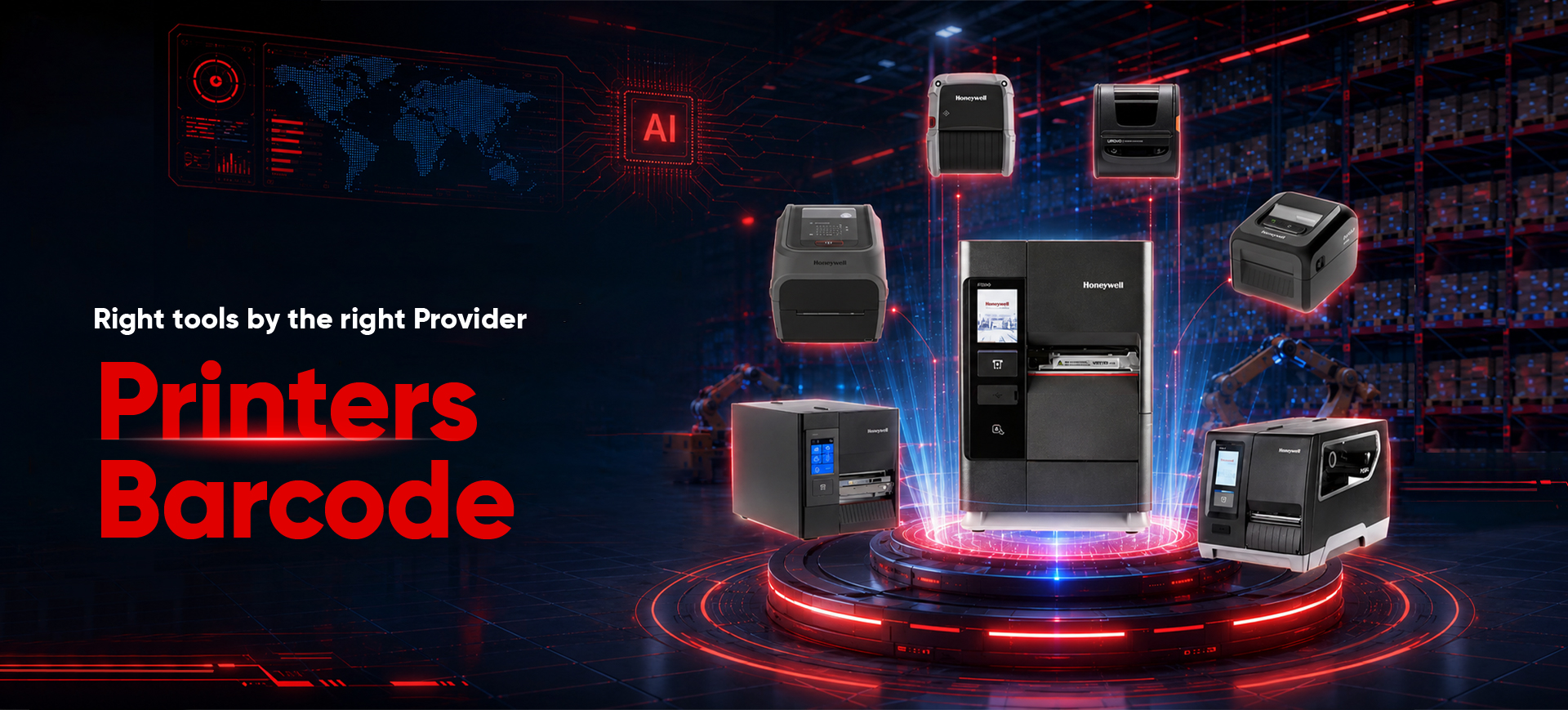
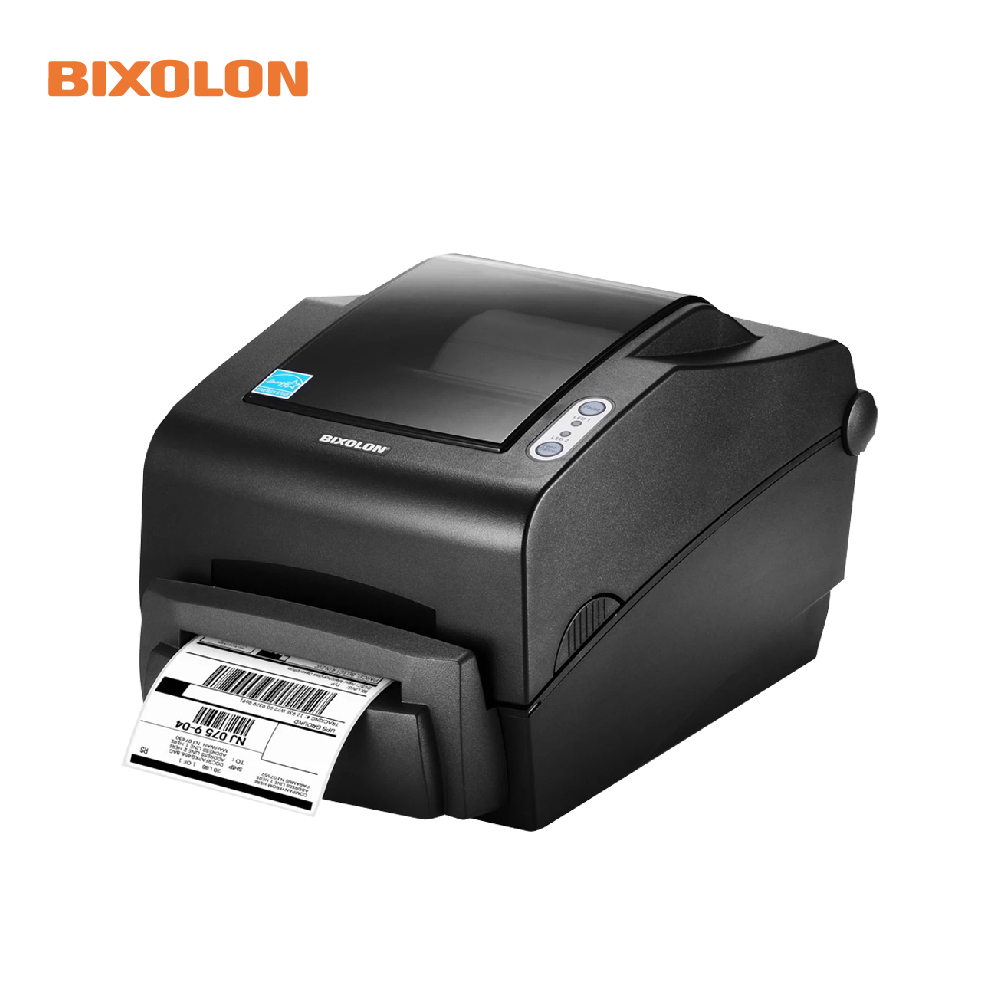
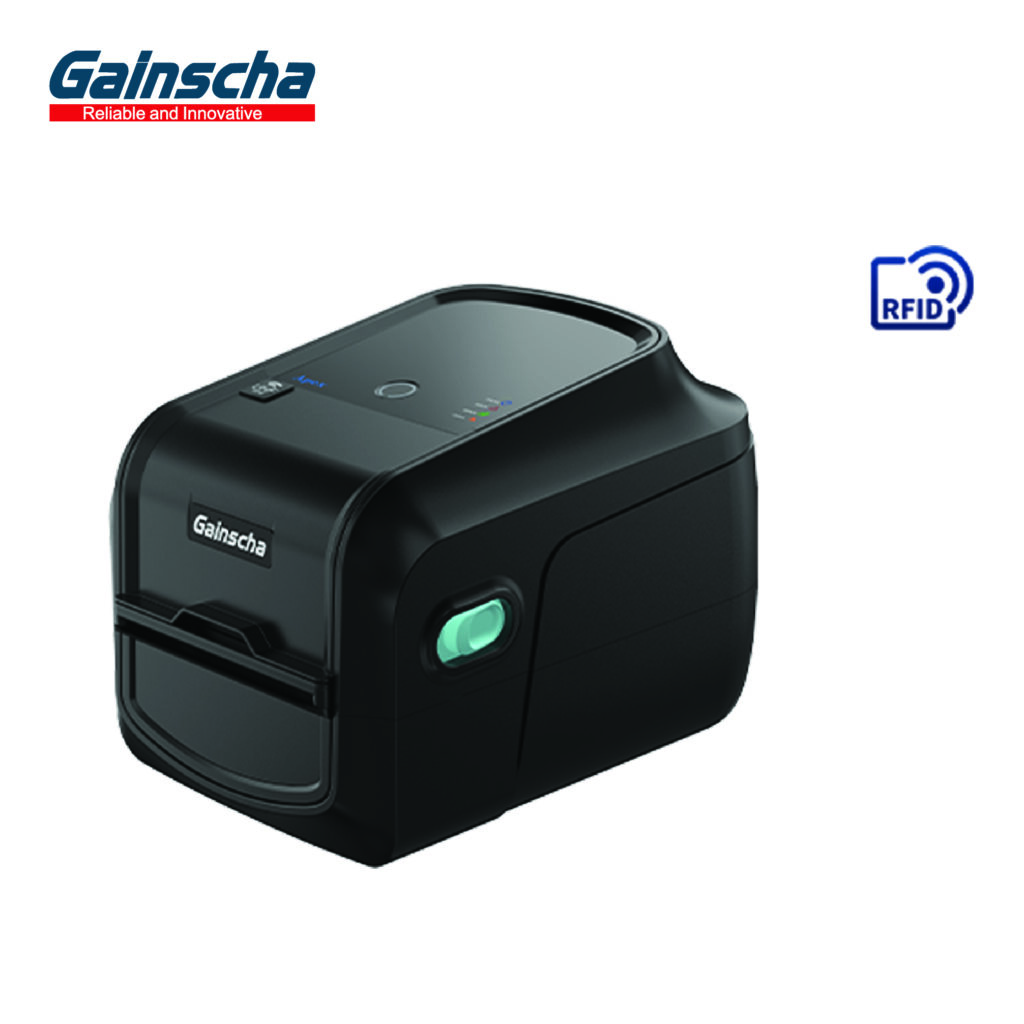
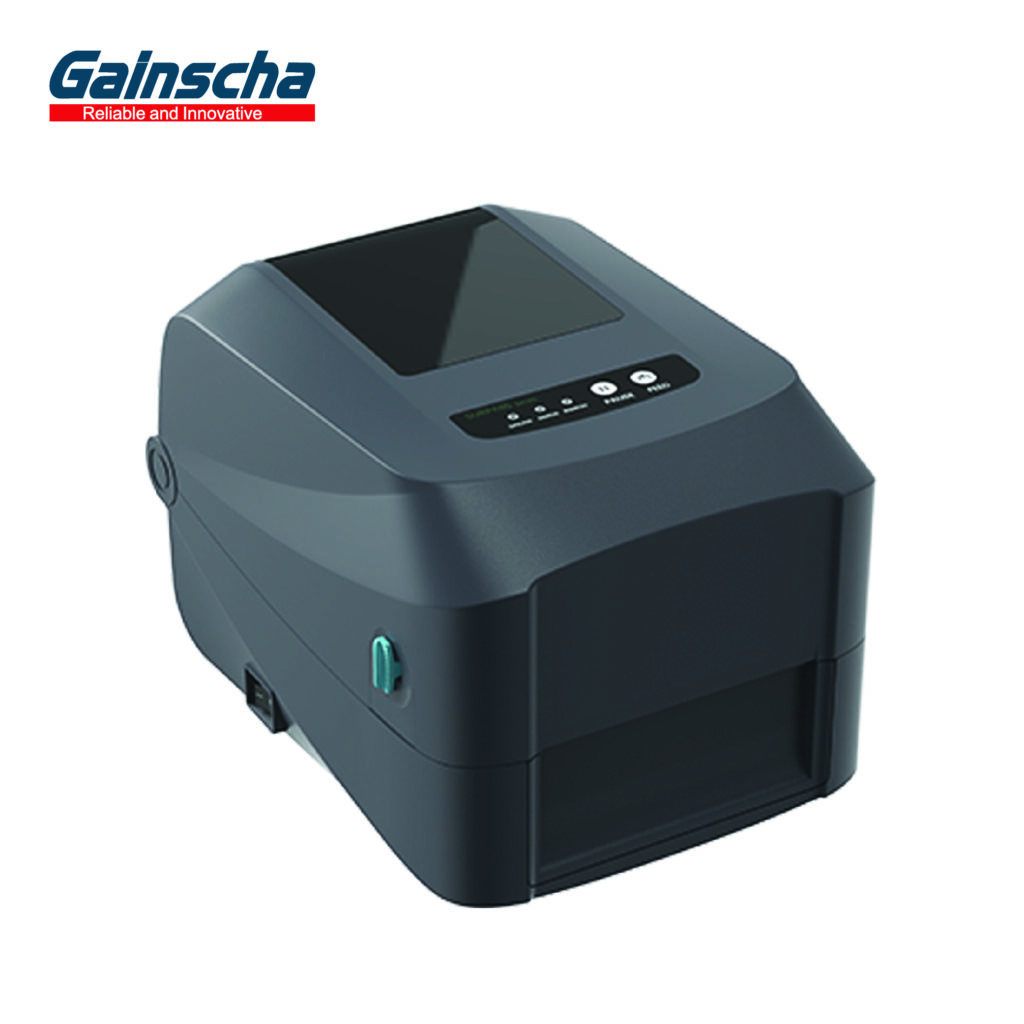
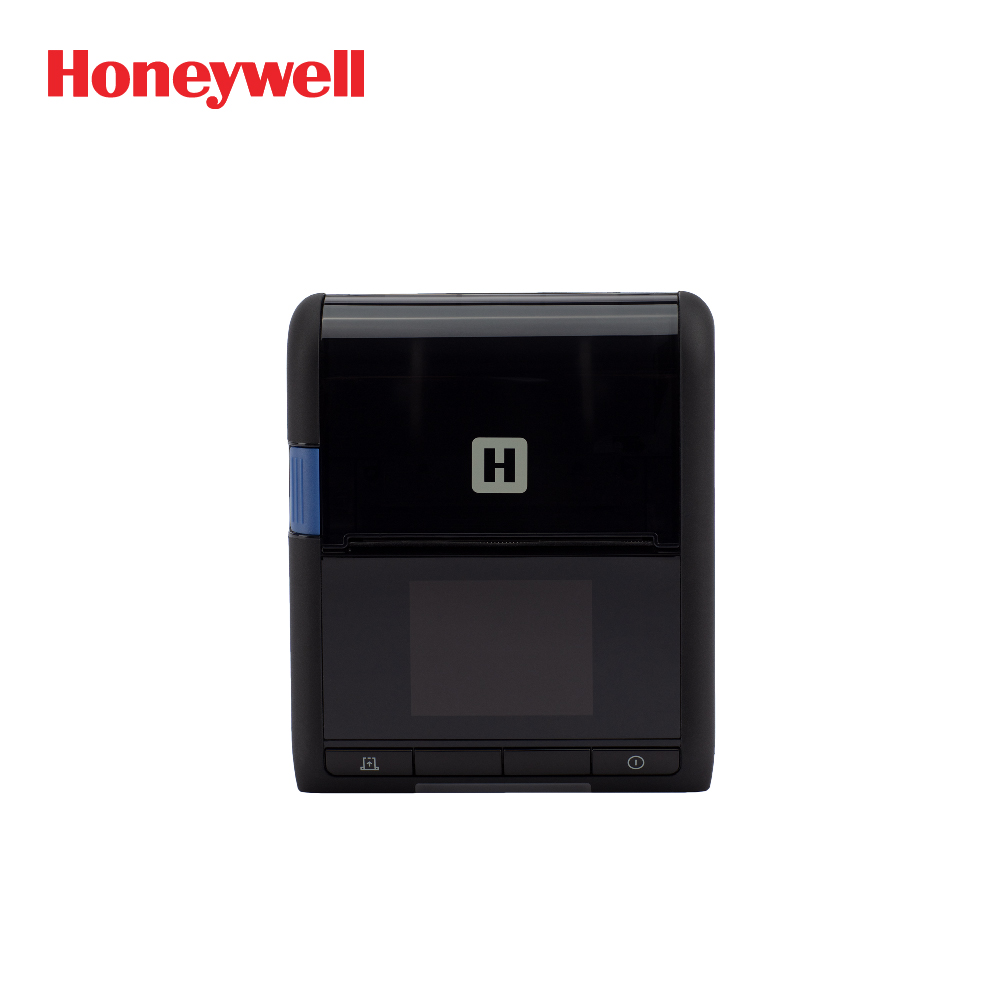
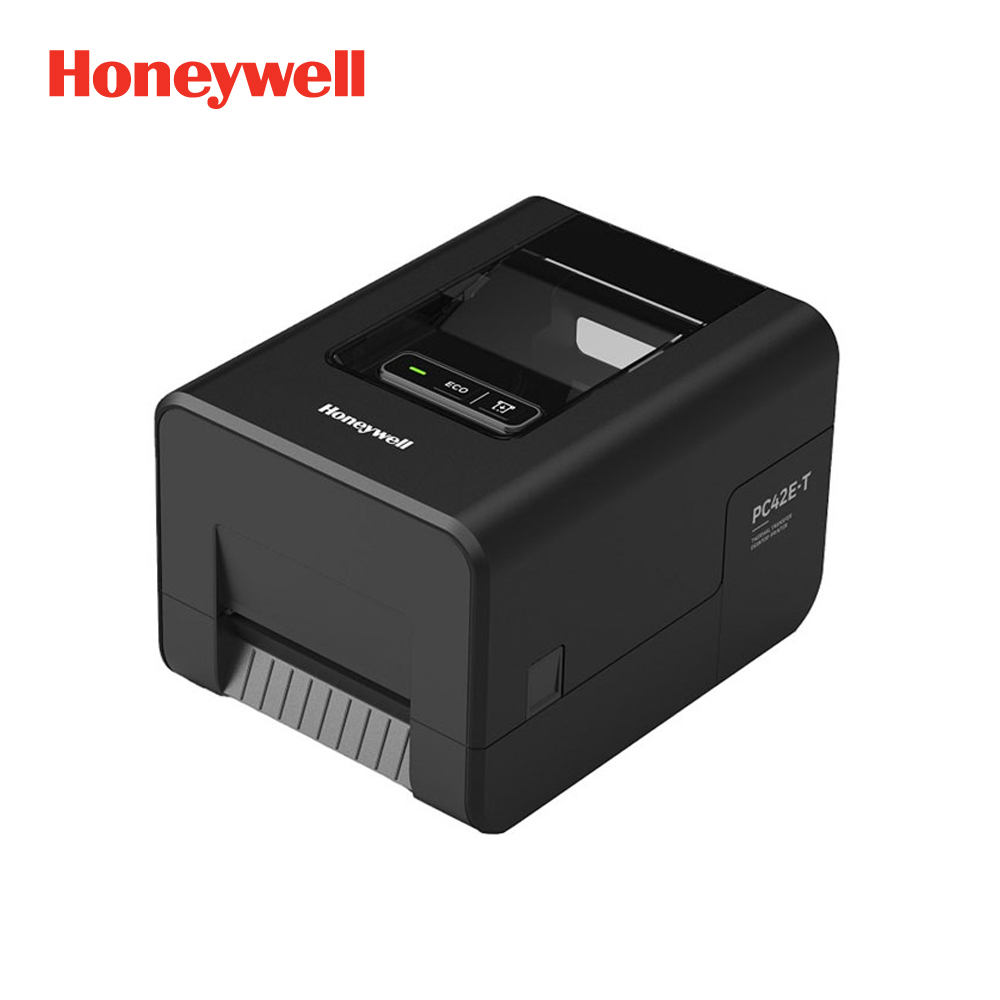
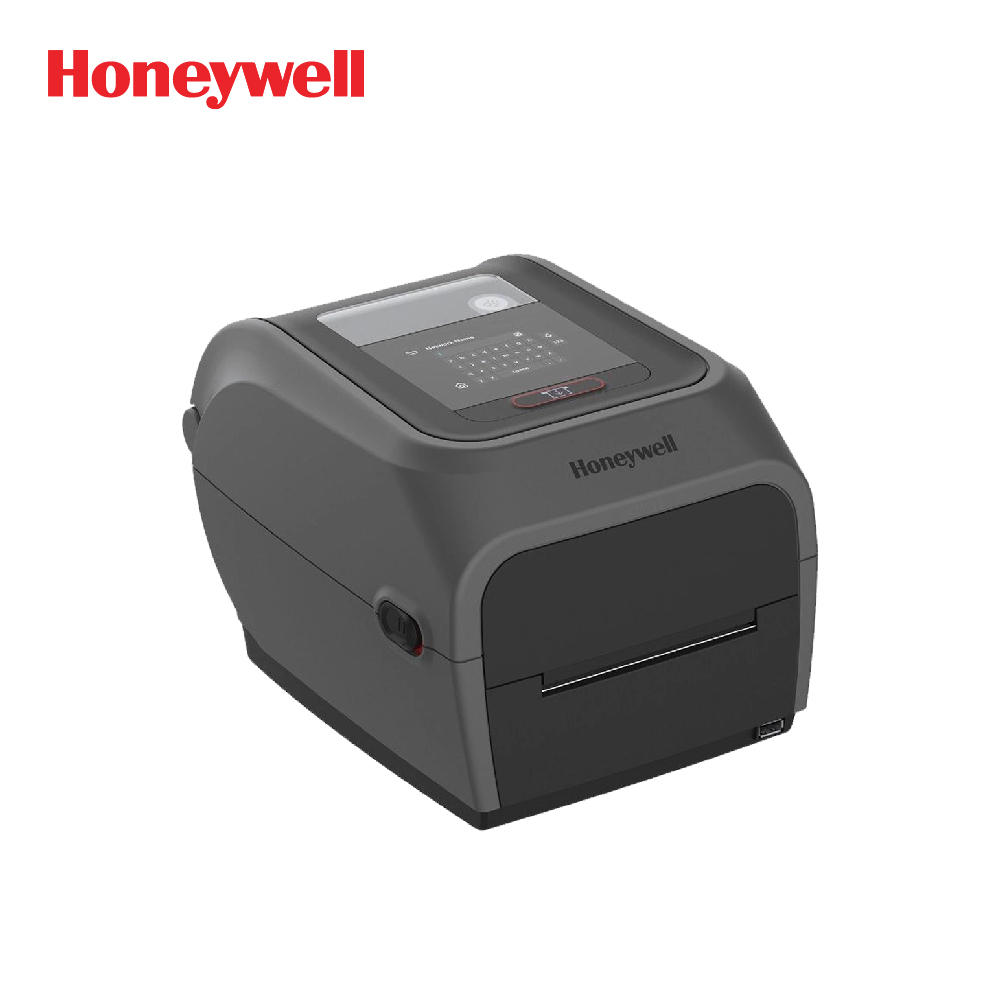
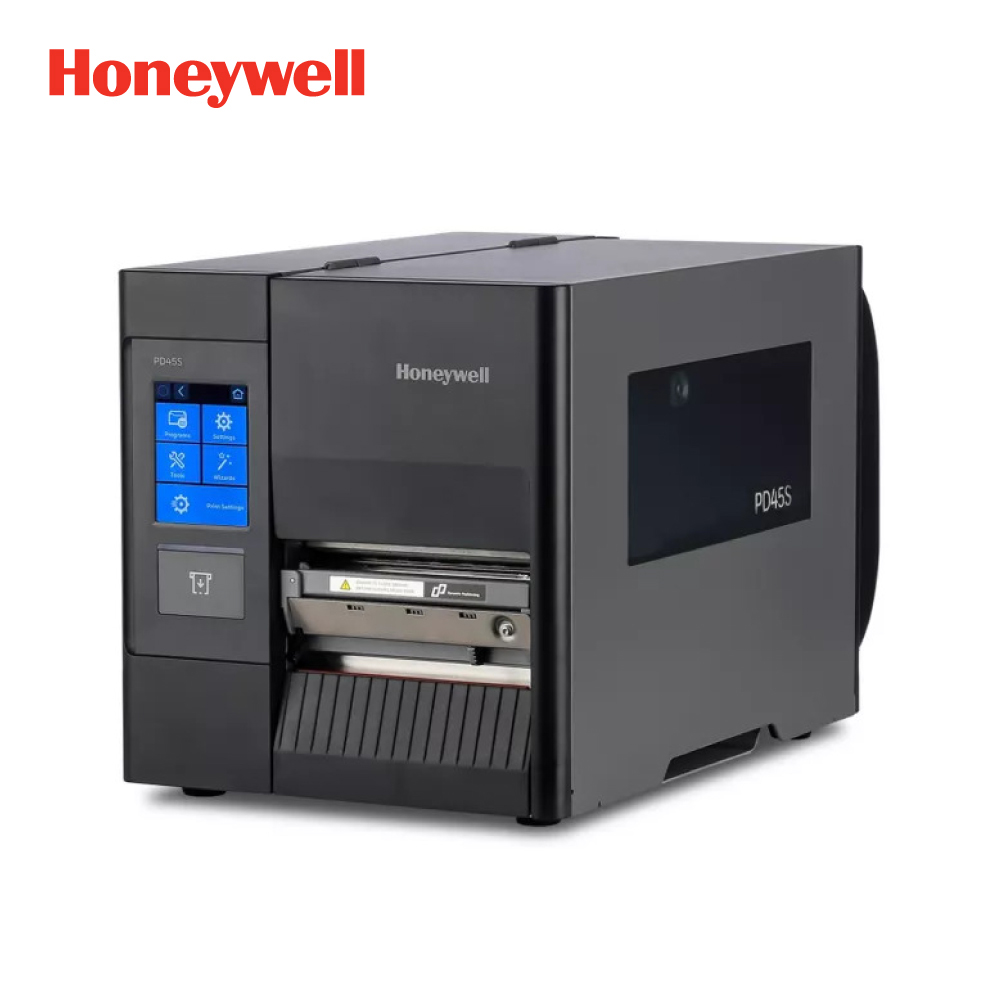
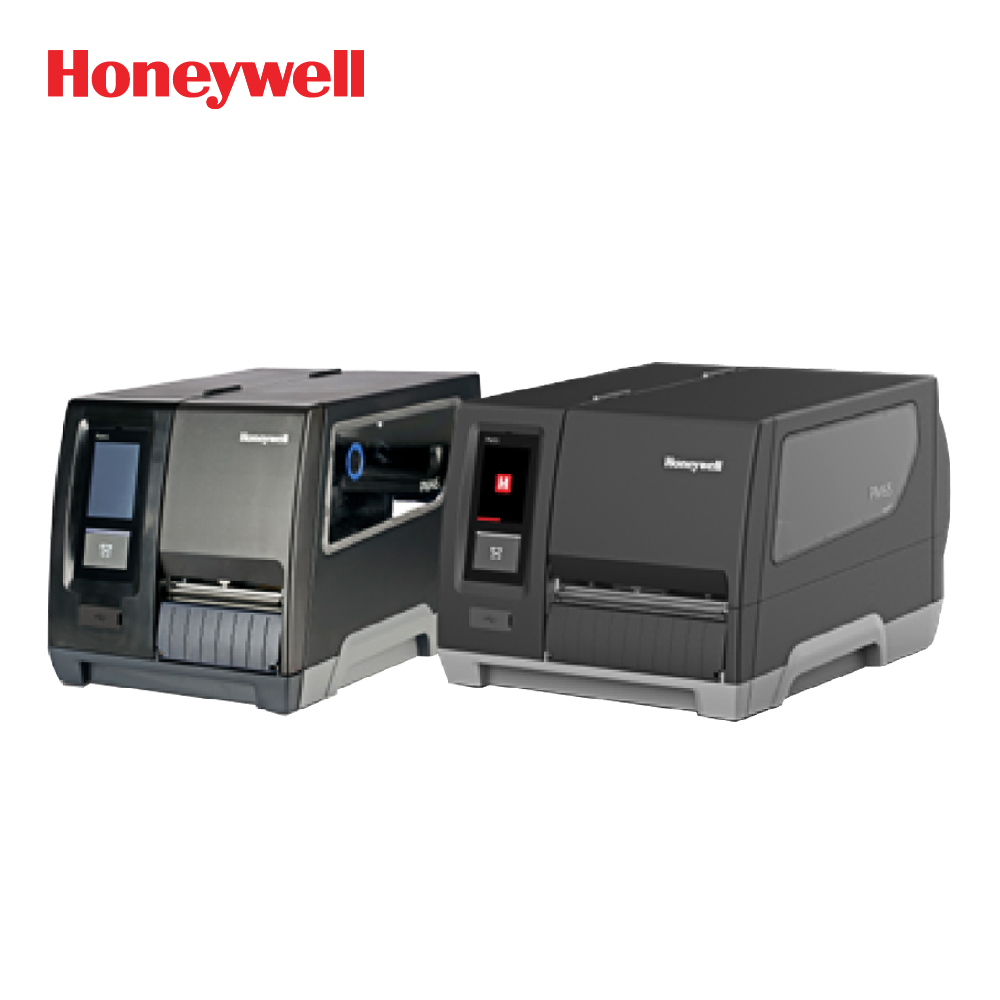
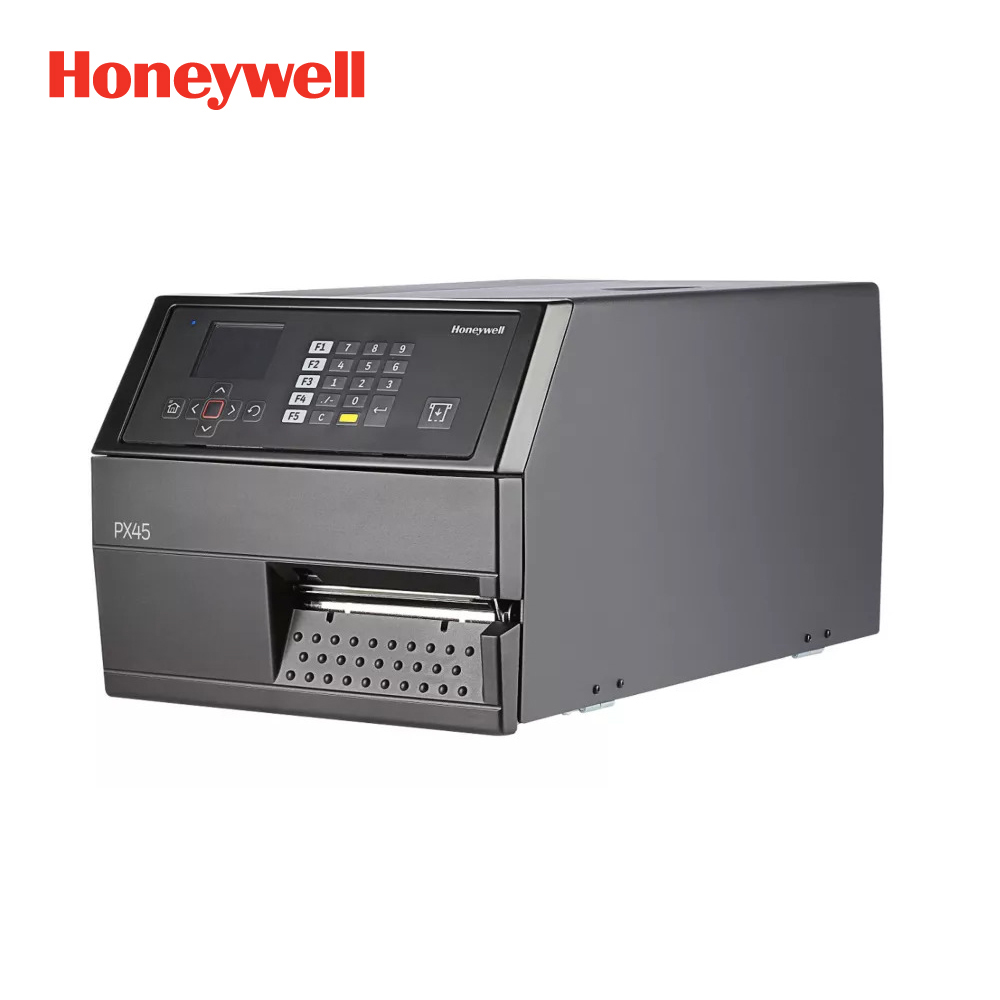
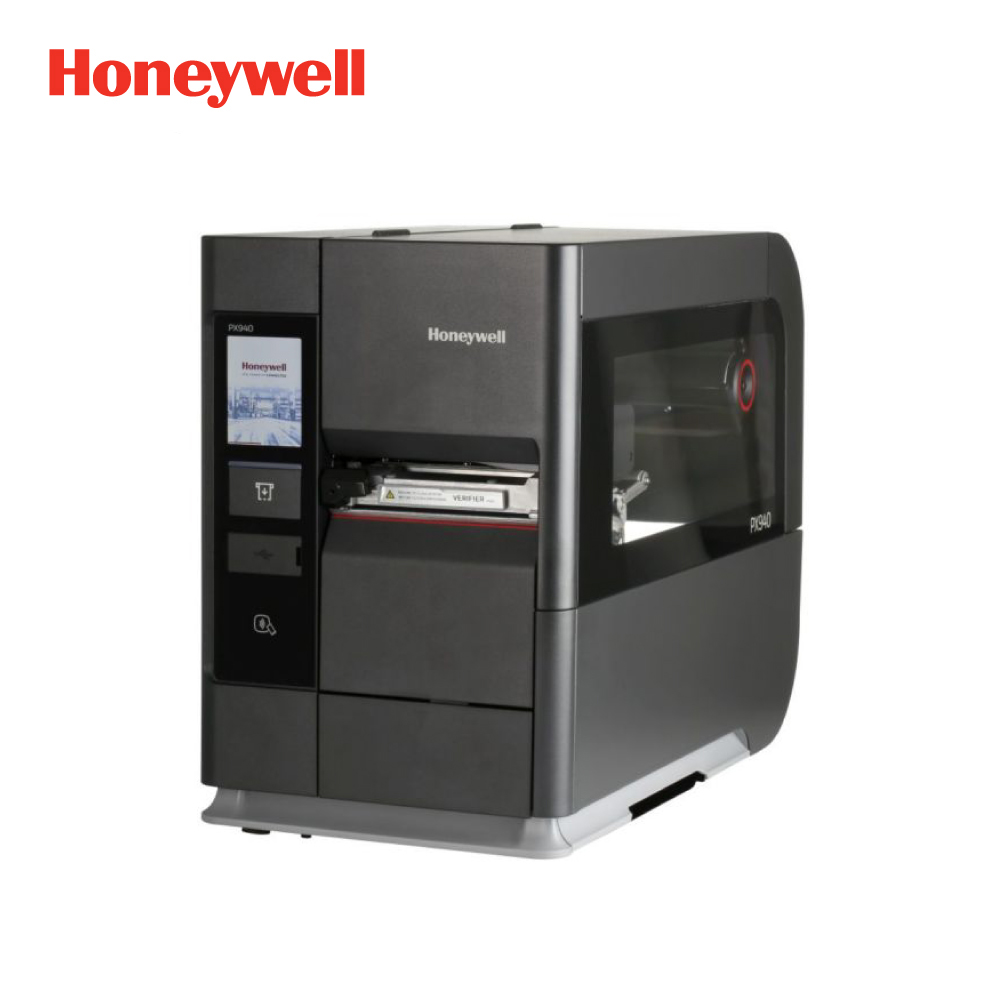
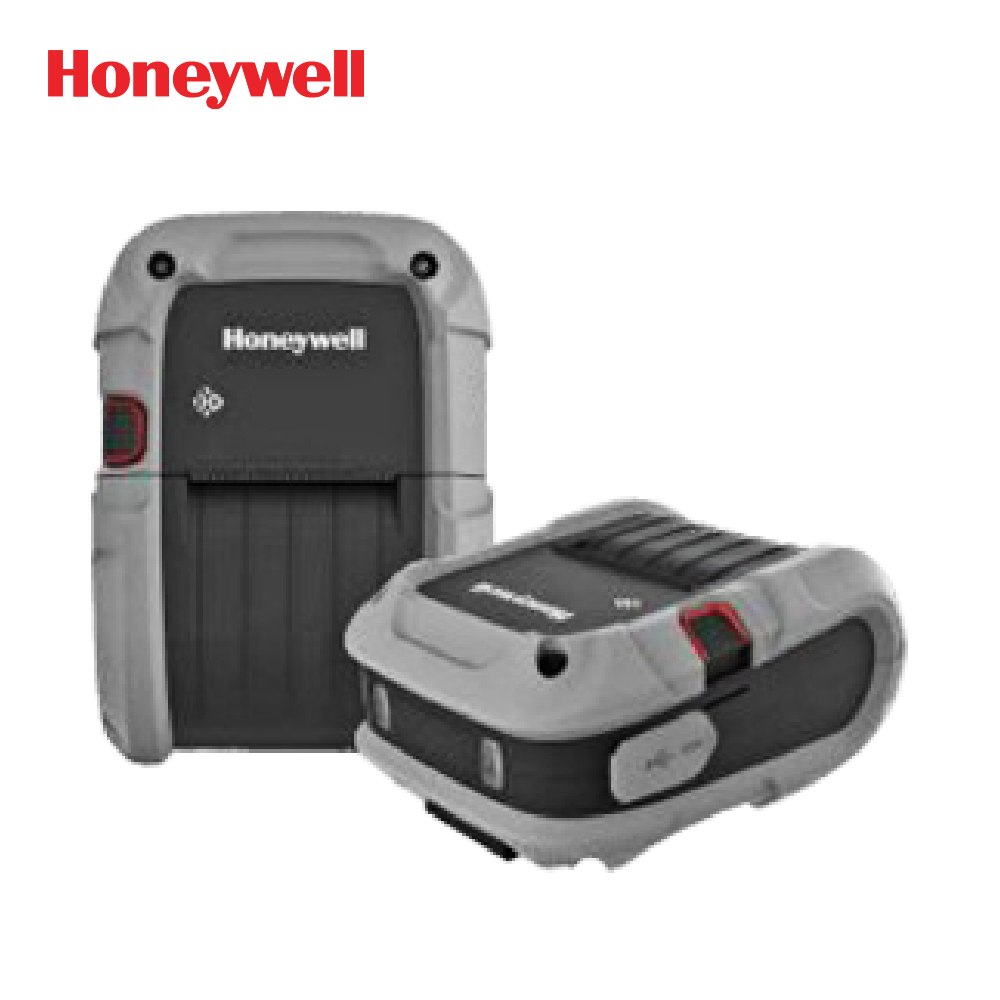
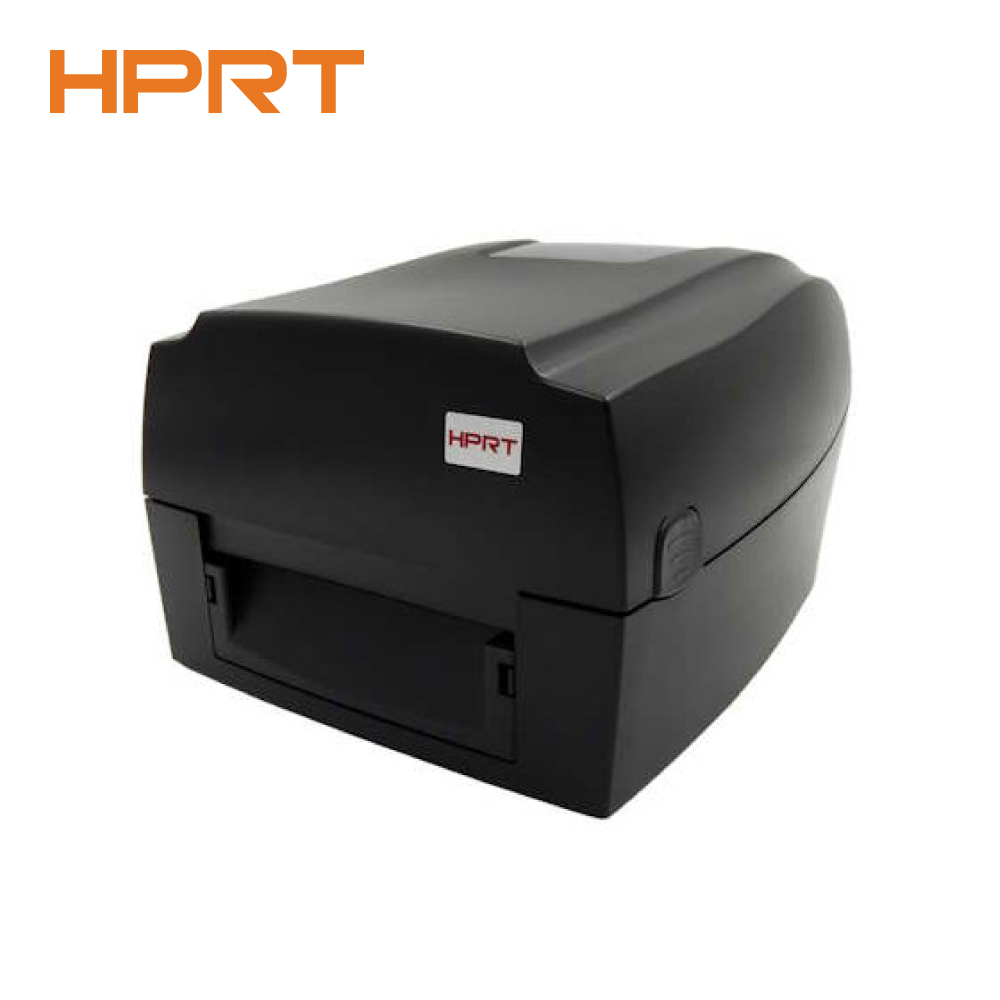
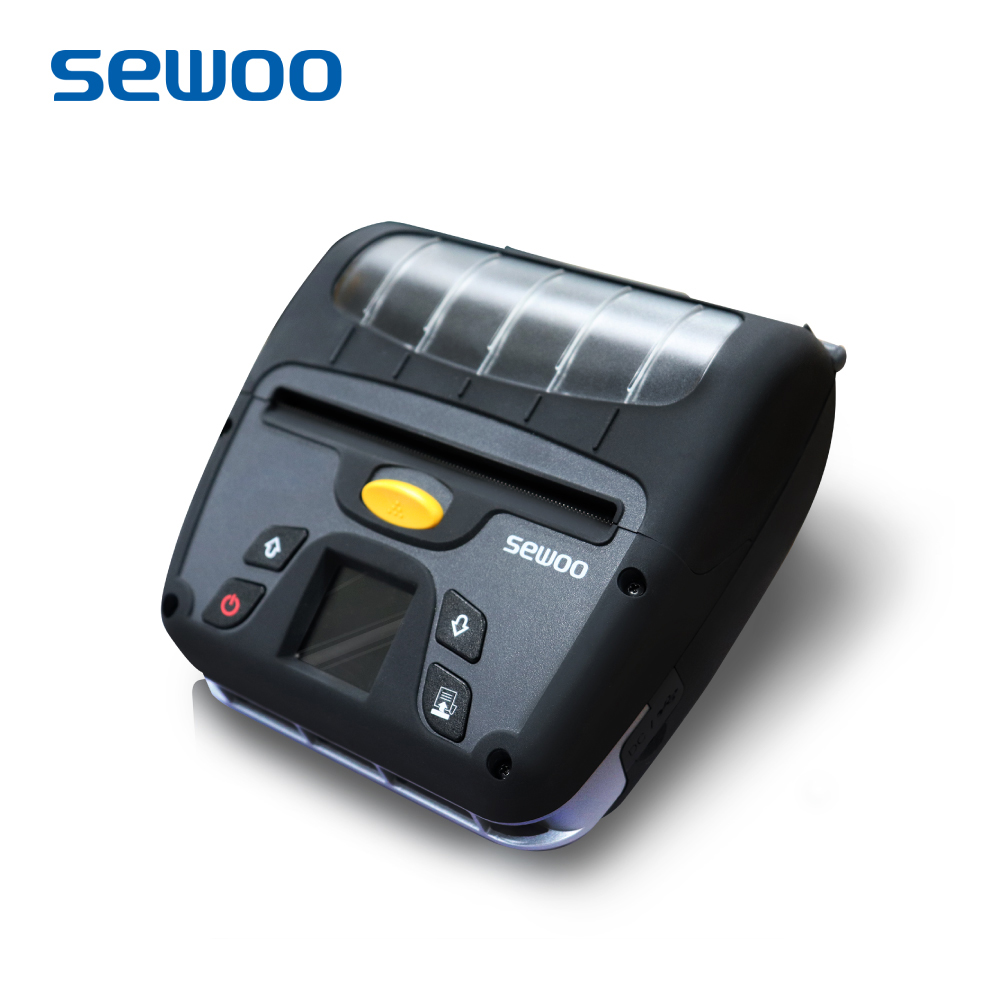
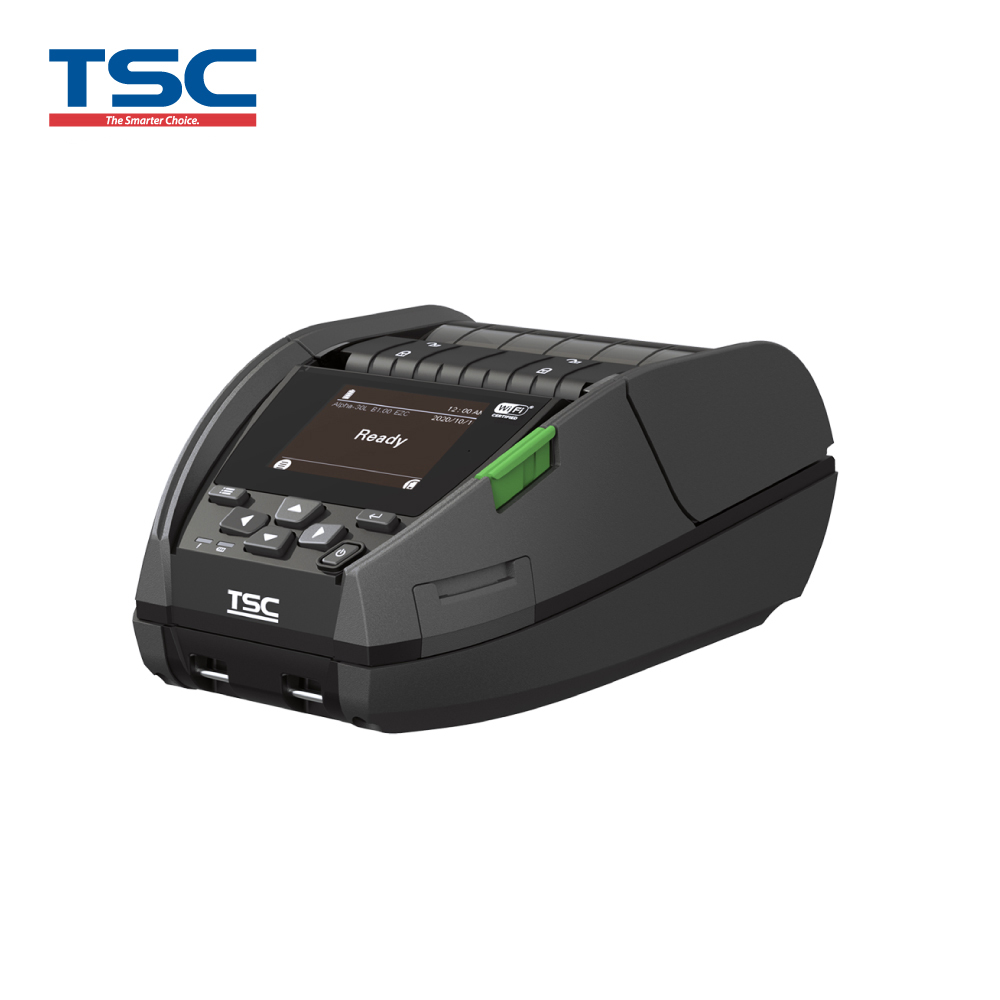
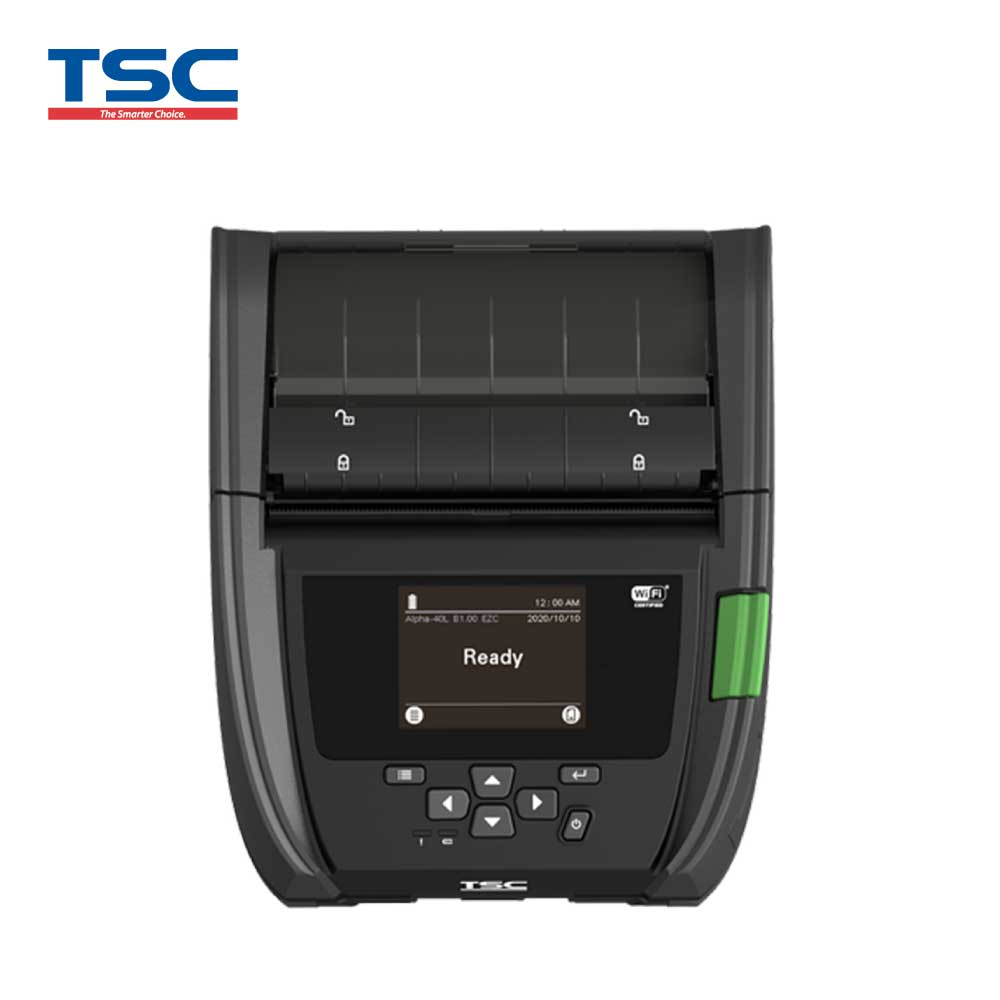
Barcode Printers are available in different types. Common options include desktop barcode printers, industrial barcode printers, and mobile barcode printers. OGA International offers Barcode Printer solutions from leading brands for businesses that need clear, accurate, and reliable label printing.